Campaign-to-WhatsApp workflow: how to qualify customer interest before team handoff
Learn how to turn campaign clicks and WhatsApp messages into a structured intake workflow that qualifies leads, collects details and prepares a clean team handoff.
Share this article
Share the article link with your team or network.
A campaign can create interest quickly. The hard part is turning that interest into something your team can actually work with before the follow-up begins.
This guide explains the intake layer between the first WhatsApp message and a useful team handoff.
The real problem: interest arrives before context
A campaign response usually does not arrive neatly packaged. It may be a short WhatsApp message, a vague form submission, or a comment that simply says the person is interested.
That signal matters, but the team still needs to know what the customer wants, when they need help, and who should respond.
- What are you interested in?
- Where are you based?
- When do you need help?
- Are you ready for the next step?
- Who should follow up?
A practical campaign-to-WhatsApp intake flow
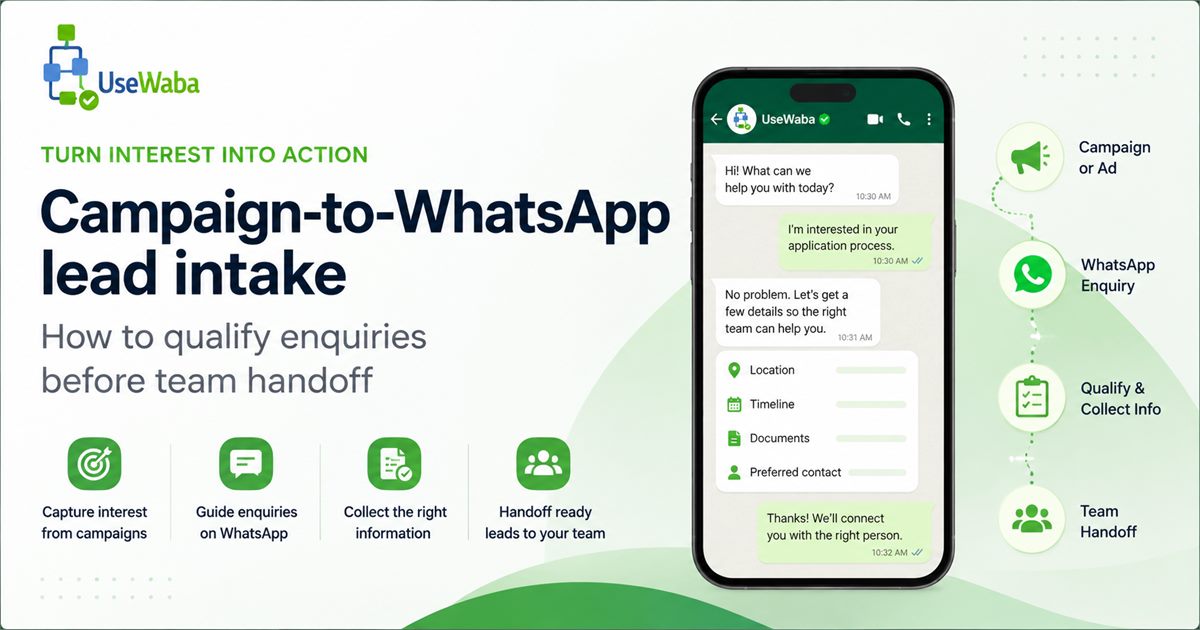
A good first flow should be short. It should collect enough context to help the team respond properly without turning the conversation into a long form.
Start with intent
Confirm what the person actually wants. Interest is useful, but it is still not a brief.
Collect the basics
Ask for only the details needed to make the next human follow-up useful.
Check readiness
Find out whether the person is ready now, needs documents, needs a callback, or should be routed elsewhere.
Prepare the handoff
Send the team a short summary so the first reply is not another round of basic questions.
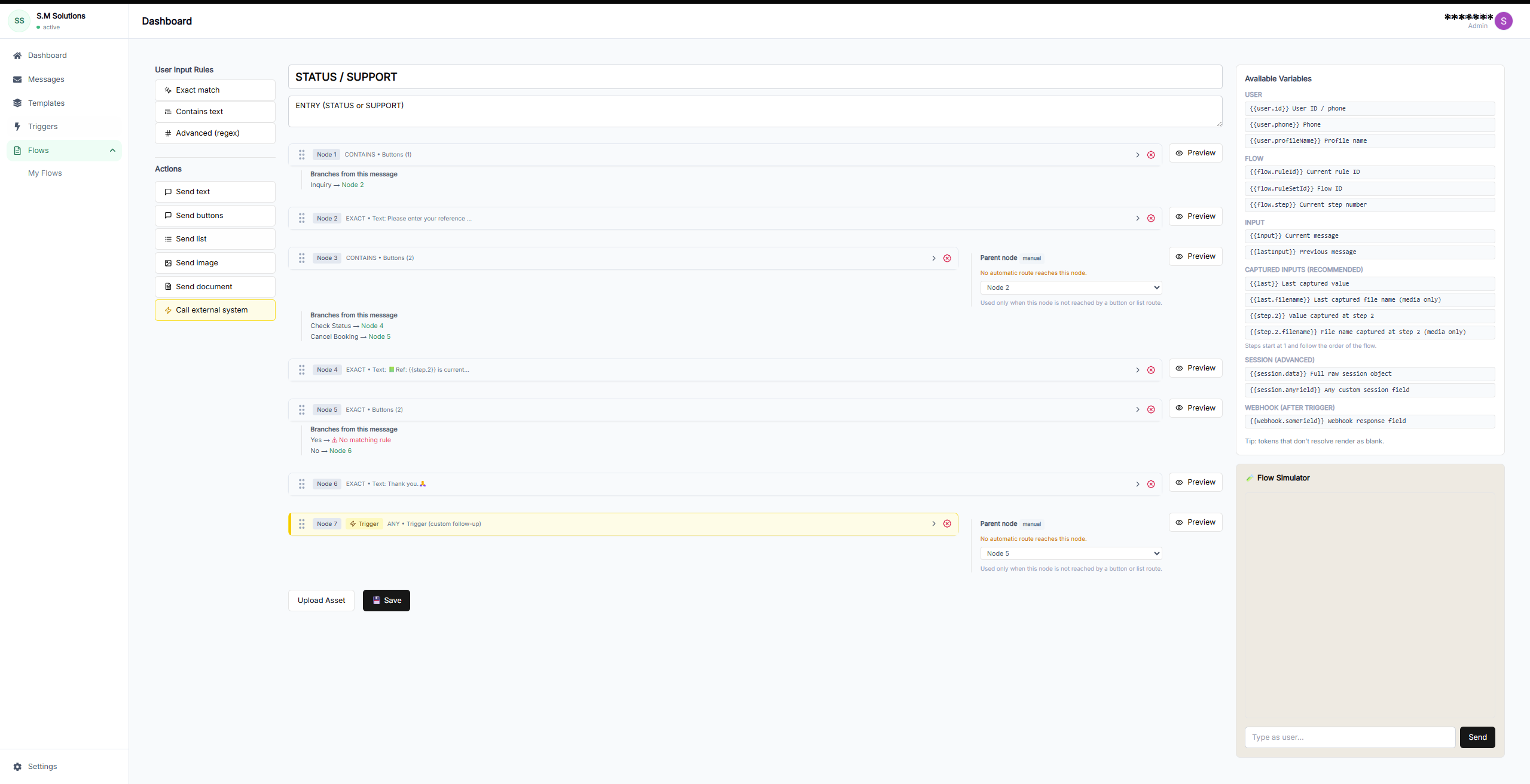
Example intake workflow
The workflow asks the first set of questions before the team steps into the conversation.
What the team should receive
The output should be clear, short, and useful. The goal is not more data for its own sake. The goal is to help the next person reply with context.
- Source: campaign or WhatsApp entry point
- Intent: what the customer wants
- Readiness: ready now, missing details, or needs callback
- Next step: sales, support, booking, review, or branch handoff
How UseWaba fits
UseWaba is built for businesses that already receive customer requests on WhatsApp but need a more structured way to collect details, route requests, and prepare team handoff.
It does not replace the people who sell, advise, review, support, or onboard customers. It helps make sure those people receive a better starting point.
Frequently asked questions
Should every campaign response go into a WhatsApp workflow?
Use a workflow when the team needs repeated information before follow-up. If the next step is always a simple reply, a full intake flow may not be necessary.
How many questions should the intake flow ask?
Start with the smallest set of questions that makes the handoff useful. For many teams, that is four to seven questions.
Can campaign leads be sent to a CRM or Google Sheet?
Yes. UseWaba can hand off structured workflow data to tools such as Google Sheets, CRMs, or webhook endpoints depending on setup.
Want to see how this works in practice?
View workflow examples and test how a WhatsApp conversation can become a structured intake flow before team handoff.
Related articles
Lead capture
How to automate WhatsApp lead capture for your business
A practical implementation guide for turning WhatsApp enquiries from ads, websites, and direct messages into qualified lead records.
Read articleComparison
WhatsApp lead capture vs website contact forms
A practical comparison for businesses deciding when to use WhatsApp workflows, website forms, or both.
Read articleQuote workflows
Build a WhatsApp quote request workflow
A step-by-step guide for replacing loose quote request chats with structured WhatsApp intake and cleaner team handoff.
Read article