Faster first response
Acknowledge customers and collect the basics before a person steps in.
UseWaba turns incoming WhatsApp messages into structured workflows that collect information, qualify requests, route conversations and trigger your business systems.
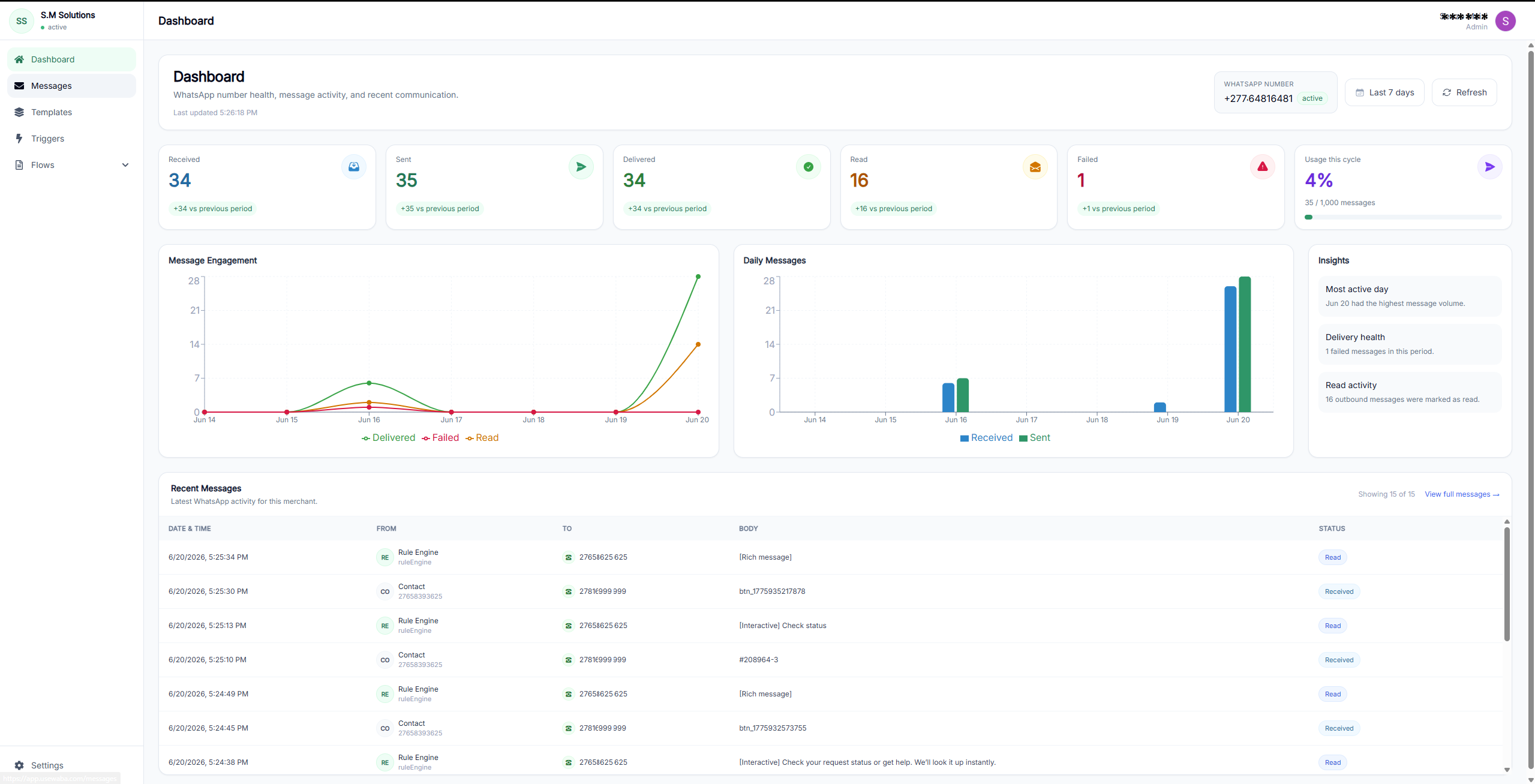
Qualified
Need and timing collected
Handoff
Routed with activity log
UseWaba gives every enquiry structure before it reaches the next person or system.
Acknowledge customers and collect the basics before a person steps in.
Turn loose chat messages into structured fields your team can use.
Send each request to the right person, branch, team or business system.
Reduce repeated questions, screenshots, missed requests and copy-paste work.
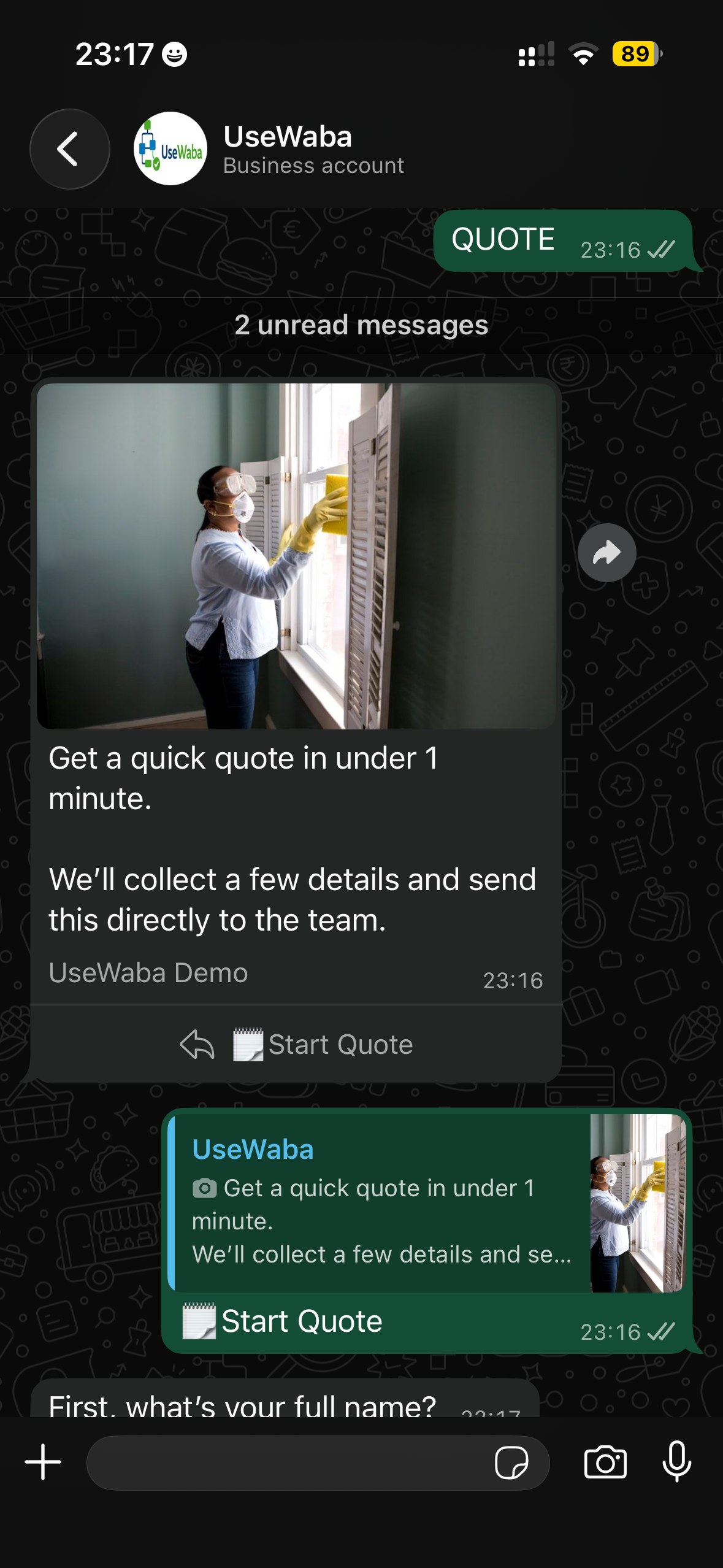
A WhatsApp message becomes a structured request your team can review, route and act on.
Message arrives
Details become usable
Next step is triggered
UseWaba keeps customers in WhatsApp while your business receives the information in a cleaner, more useful format.
Ask for request type, location, timing, contact details and any other required information inside WhatsApp.
Structure each enquiry so your team can see the customer need, status and next action without reading the full chat.
Route conversations to the right person, log the activity or trigger the business system that needs the data.

Define the questions, routing rules and handoff steps for each repeatable customer journey. UseWaba keeps the process consistent while customers stay in WhatsApp.
UseWaba collects names, contact details, request type, timing, location, urgency and source before the team follows up.
Qualify the conversation, assign ownership and give the next person the information they need to act.
Use webhook-ready workflow steps to connect qualified WhatsApp requests to sheets, CRMs, internal queues and other systems.
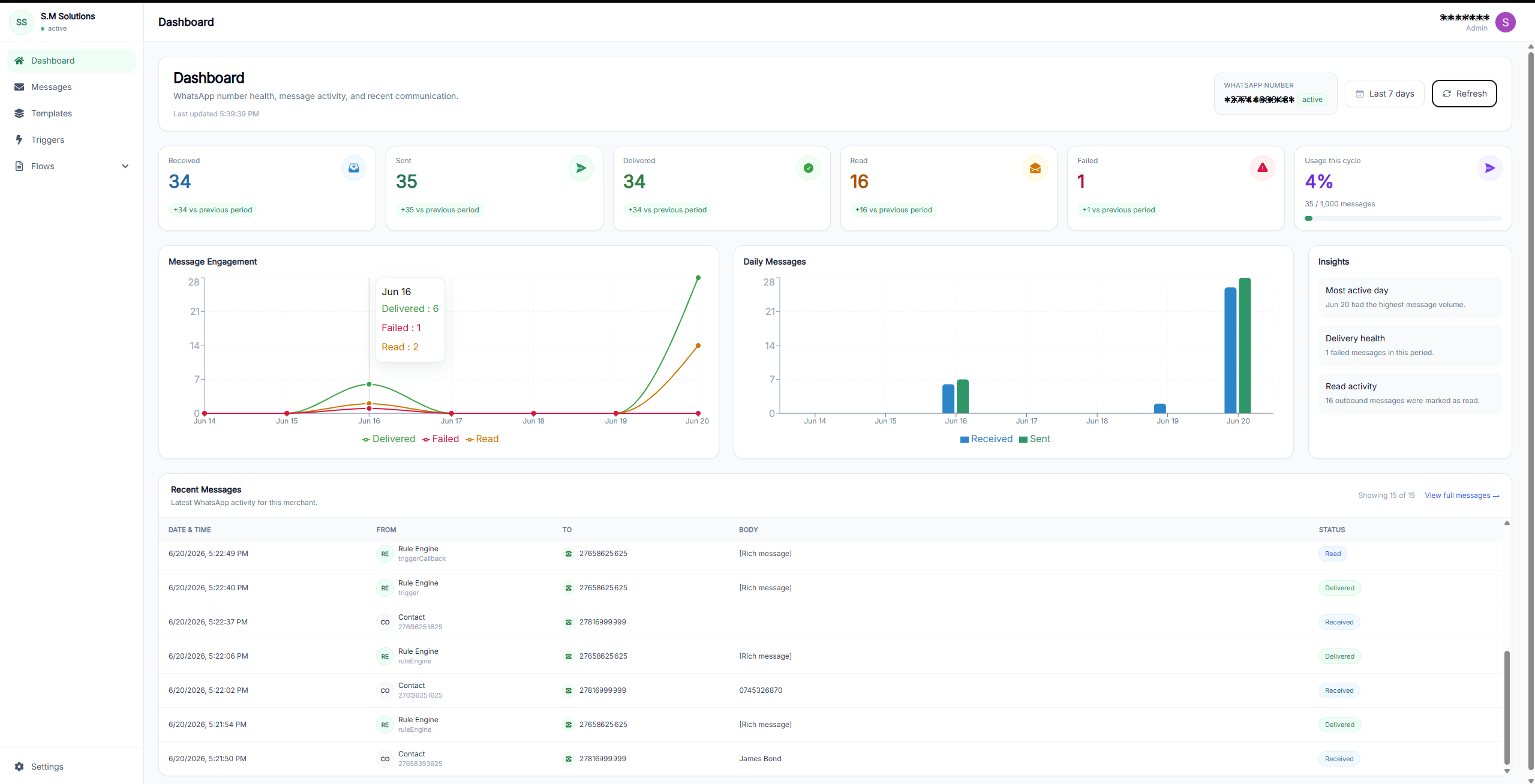
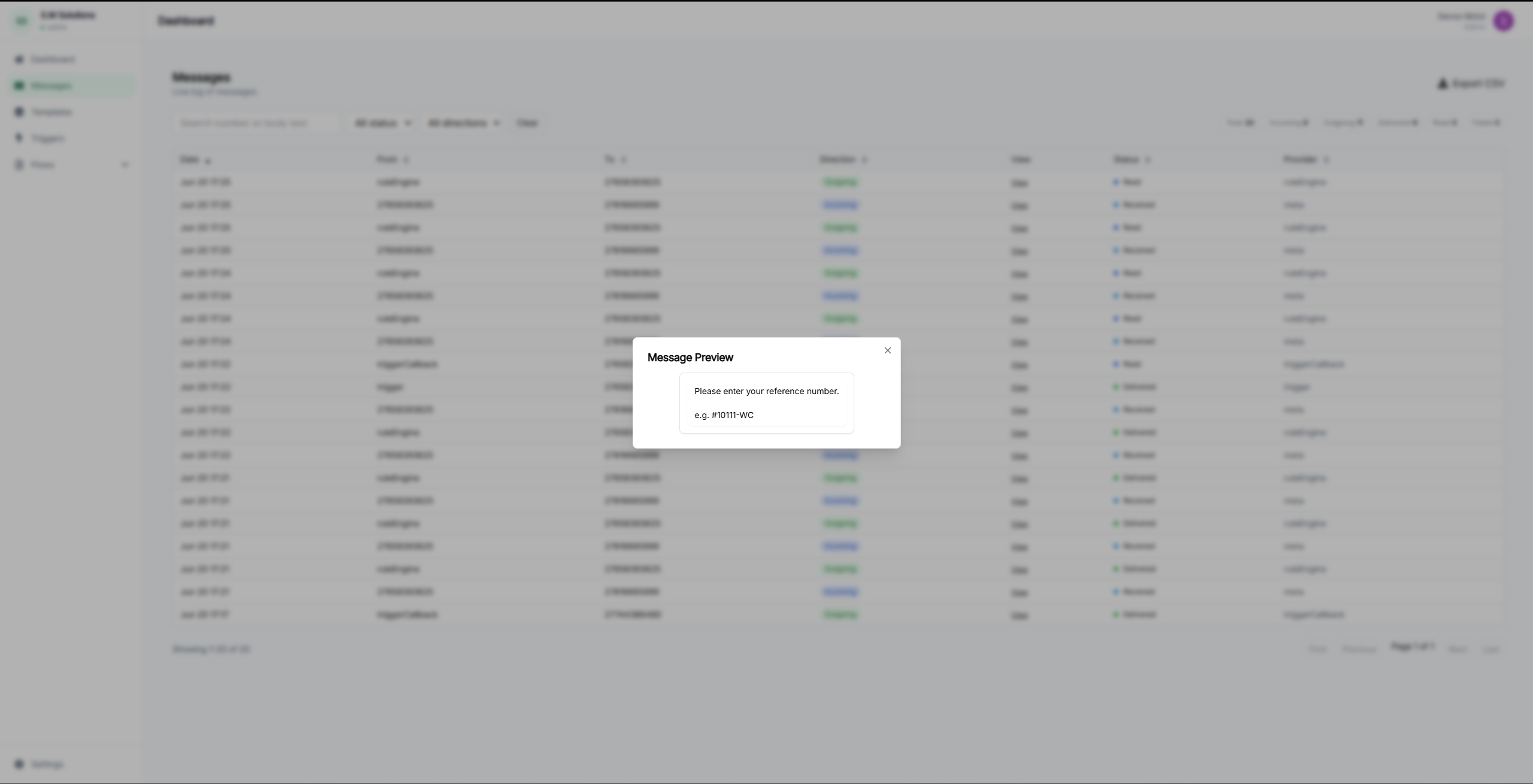
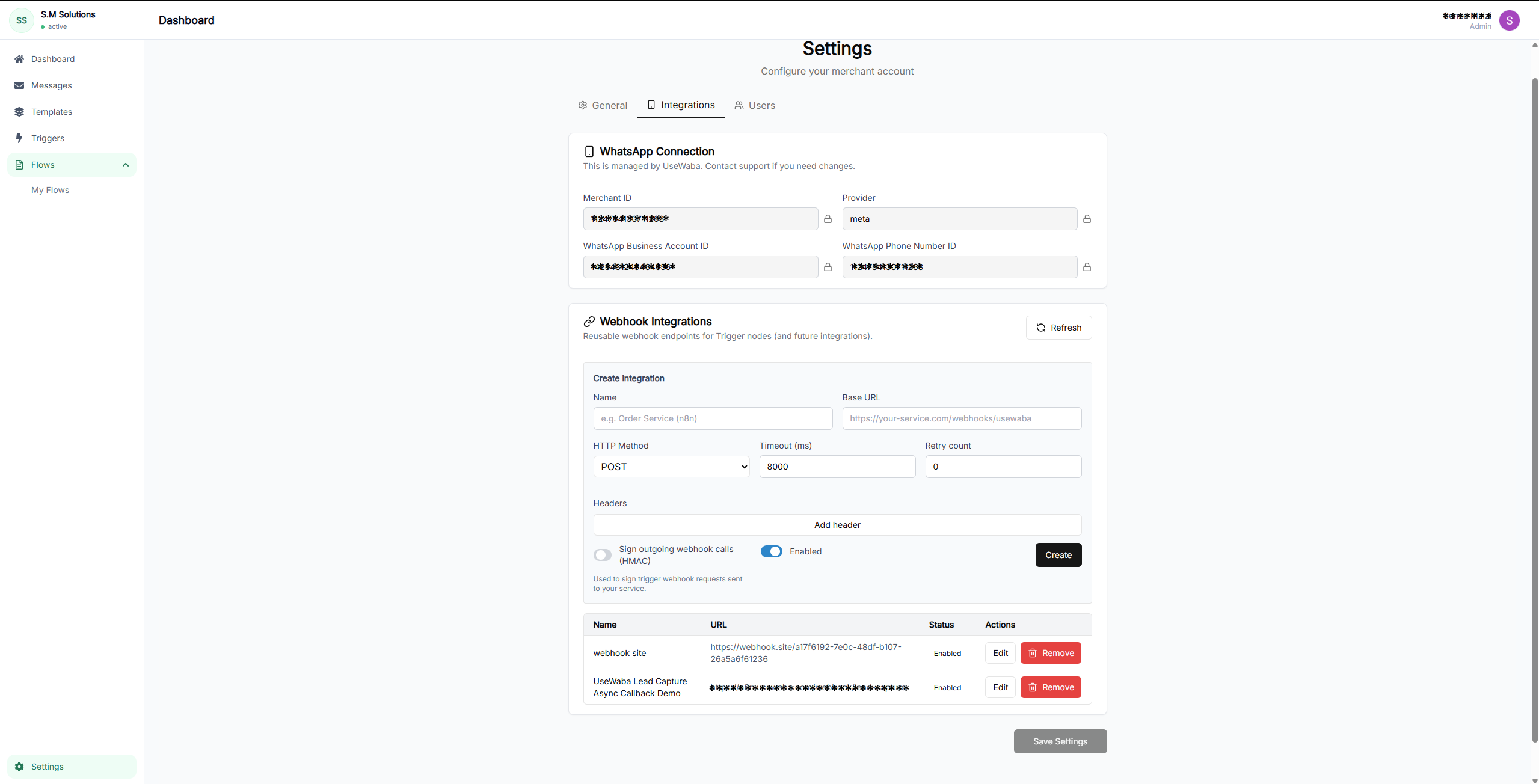
UseWaba can trigger webhooks, send structured data to APIs and hand off qualified WhatsApp requests to the tools your team already uses.
Each demo starts with a WhatsApp keyword and shows what UseWaba can collect before handoff.
Collects name, location, request type, timing and follow-up details.
Collects service, preferred date, preferred time, branch and contact details.
Collects property type, location, budget, move-in timing and contact details.
Your customers keep messaging the number they already know. UseWaba runs the structured intake, routing and handoff process behind it.
Bring the WhatsApp number your customers already use and the business process you want to structure, such as quotes, bookings, rentals or support.
UseWaba hosts the workflow layer that receives incoming WhatsApp messages, asks the right questions, qualifies the request and prepares the handoff.
No. Customers stay in WhatsApp. Your business gets structured information, routing context and cleaner follow-up without moving customers to another app.
Yes. Workflows can hand off data by email, Google Sheets or webhook integrations depending on the plan and setup.
Start with a live demo or review the plans for your team.