Live WhatsApp examples

Try the workflows before you build your own.

Each demo starts with a WhatsApp keyword and shows what UseWaba can collect before handoff.

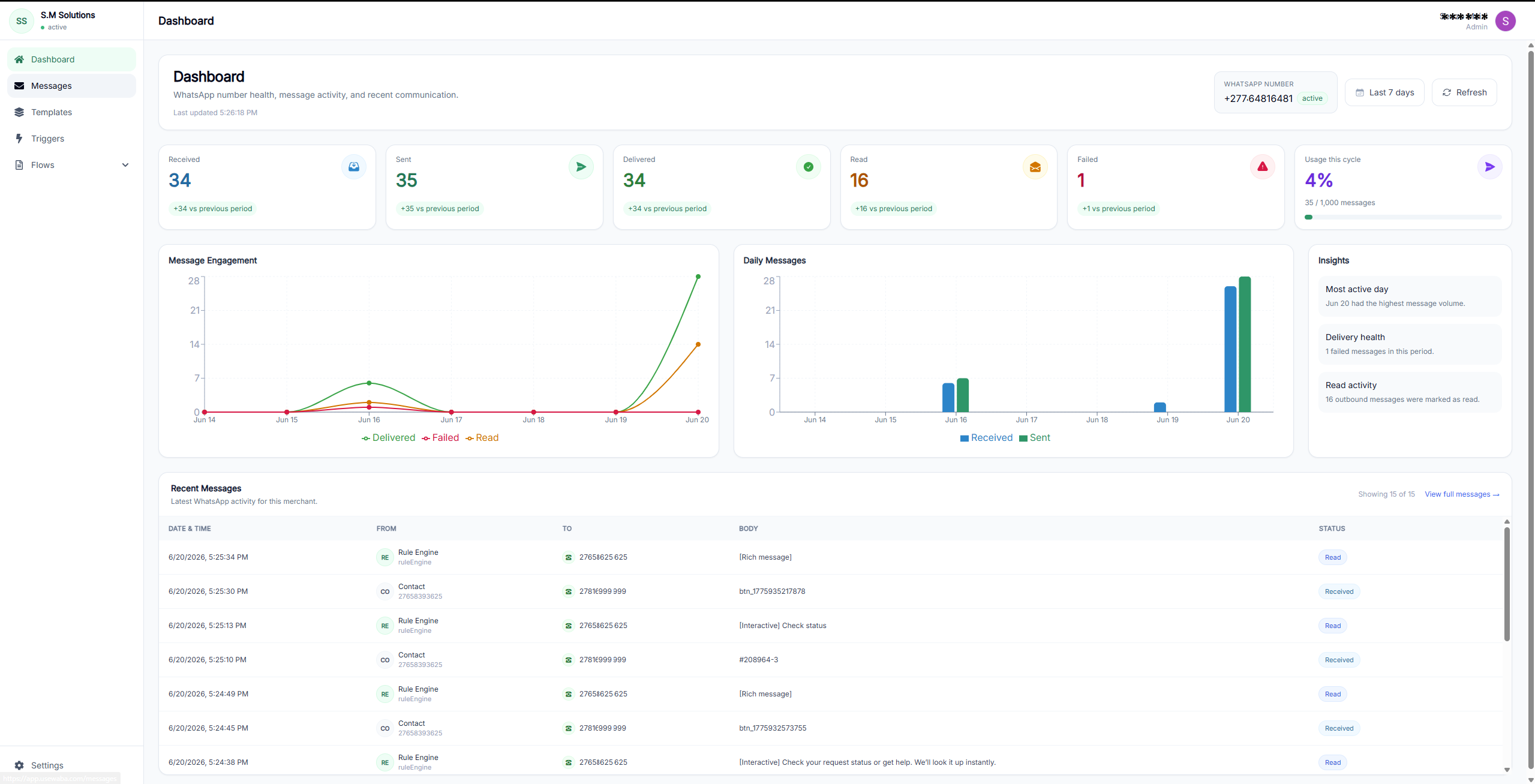
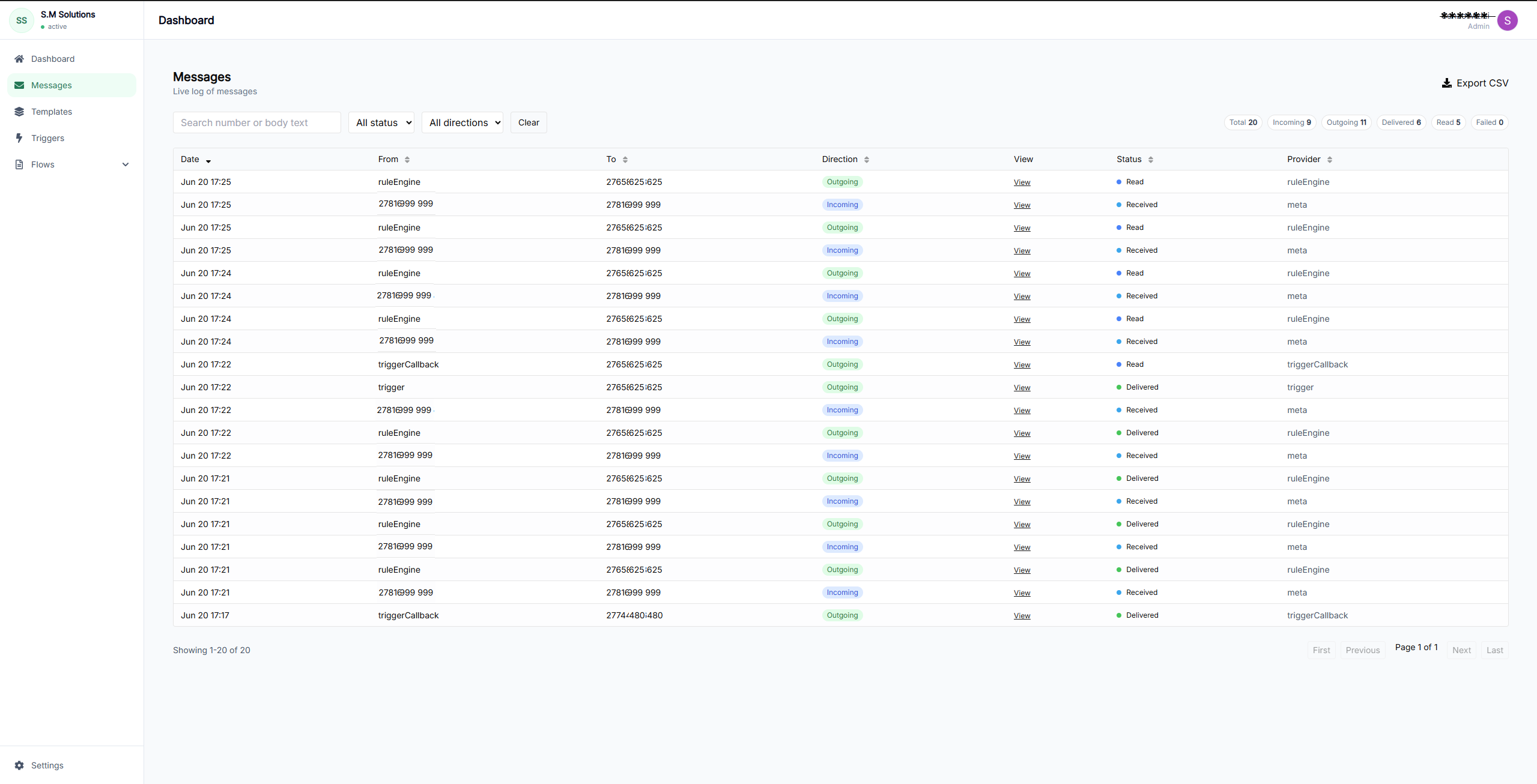
UseWaba workflow dashboard preview

Handoff preview

Quote request qualified

Ready for the right team with context attached.

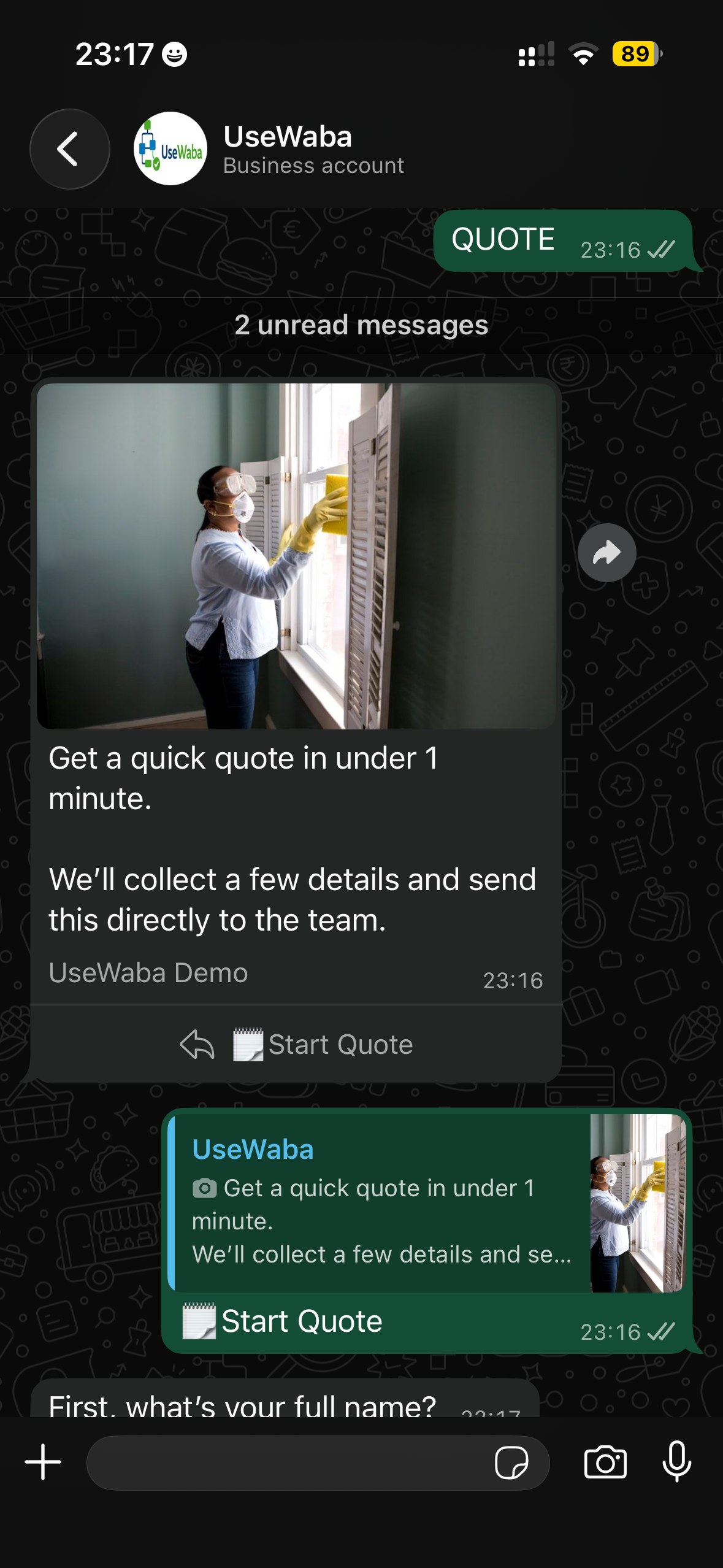
Quote Request WhatsApp workflow demo
QUOTE

Quote Request

Collects the basics before your team follows up on a service or sales enquiry.

Collects

  • Name
  • Location
  • Request type
  • Preferred timing
  • Contact details

Useful for: Sales teams, service businesses and click-to-WhatsApp campaigns

Try on WhatsApp
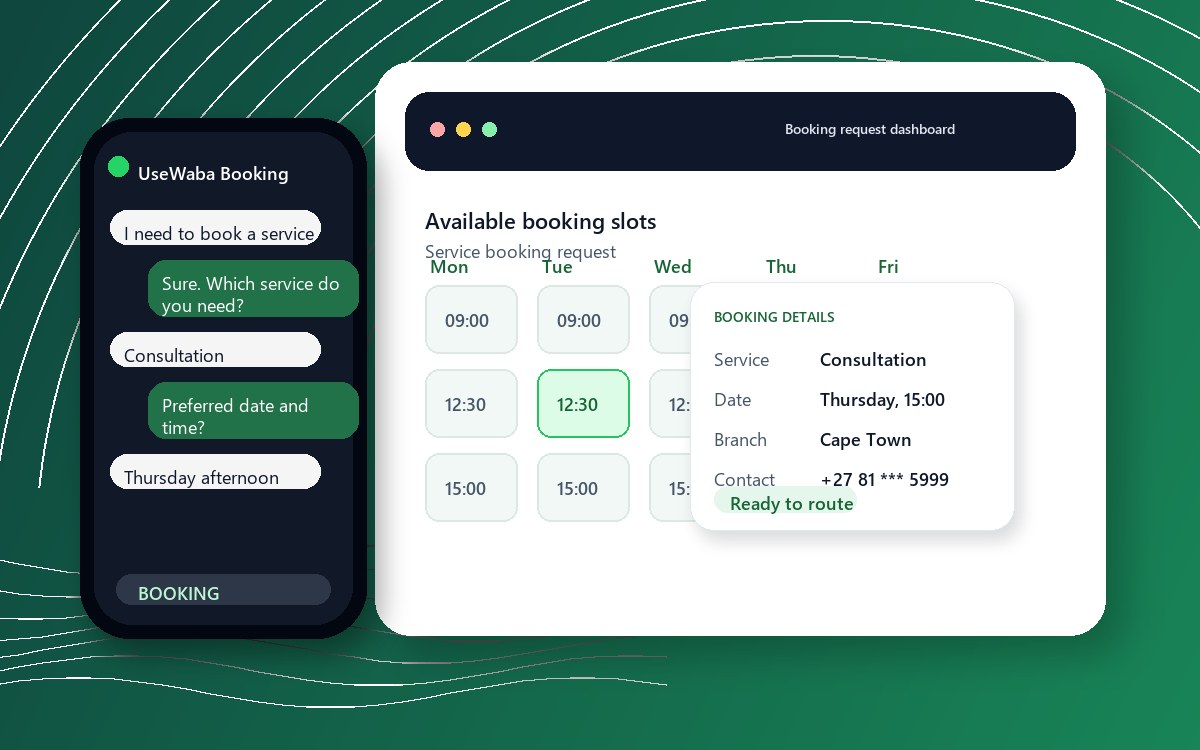
Service Booking WhatsApp workflow demo
BOOKING

Service Booking

Turns booking messages into structured requests with the key scheduling details.

Collects

  • Service needed
  • Preferred date
  • Preferred time
  • Branch
  • Contact details

Useful for: Bookings, appointments, branch-based service teams and operations desks

Try on WhatsApp
Rental Request WhatsApp workflow demo
RENT

Rental Request

Captures rental intent and readiness before the team reviews the request.

Collects

  • Rental type
  • Area
  • Timing
  • Budget range
  • Applicant details

Useful for: Property, equipment, venue, vehicle and asset-rental workflows

Try on WhatsApp

What your team gets after the demo flow.

UseWaba is designed to turn a loose WhatsApp chat into a request your team can review, route and act on.

Customers stay in WhatsApp

The team gets cleaner context

Requests are easier to route

Follow-up starts with useful information

Ready to connect a workflow to your WhatsApp number?

Start with one repeatable process, then expand once the handoff is working.