Starts with
The customer action
A customer taps a WhatsApp ad, website button, QR code, or sends a direct message.
Turn ad clicks, website buttons, campaign replies, and direct WhatsApp messages into structured lead records your team can act on.
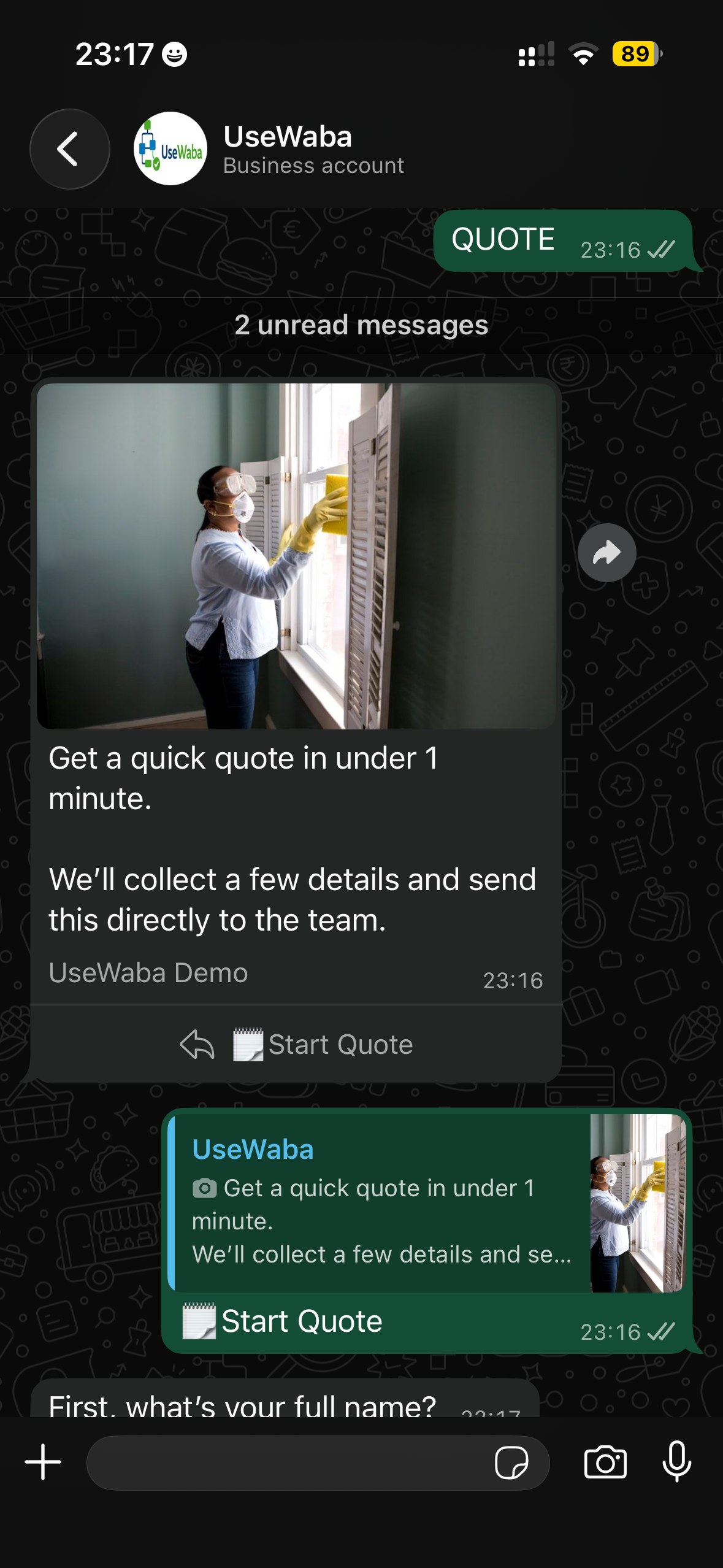
Workflow preview
Conversation to structure to action
Starts with
A customer taps a WhatsApp ad, website button, QR code, or sends a direct message.
What UseWaba collects
Example
Instead of receiving only “I’m interested”, the team receives who the person is, what they need, where they are, how urgent it is, and where the lead came from.
Business outcomes
Team receives
A qualified lead summary with the original source attached, ready for callback, quoting, or assignment.
Try the demo, then start with one workflow that matches how your team already works.